Congressional Scheduling, Modernized

Turn your inbox into
your office schedule

HillDesk reads meeting request emails, extracts event details, and lets your scheduler respond — all from one place. No more spreadsheets. No more missed requests.
How It Works

Three steps. One workflow.

01

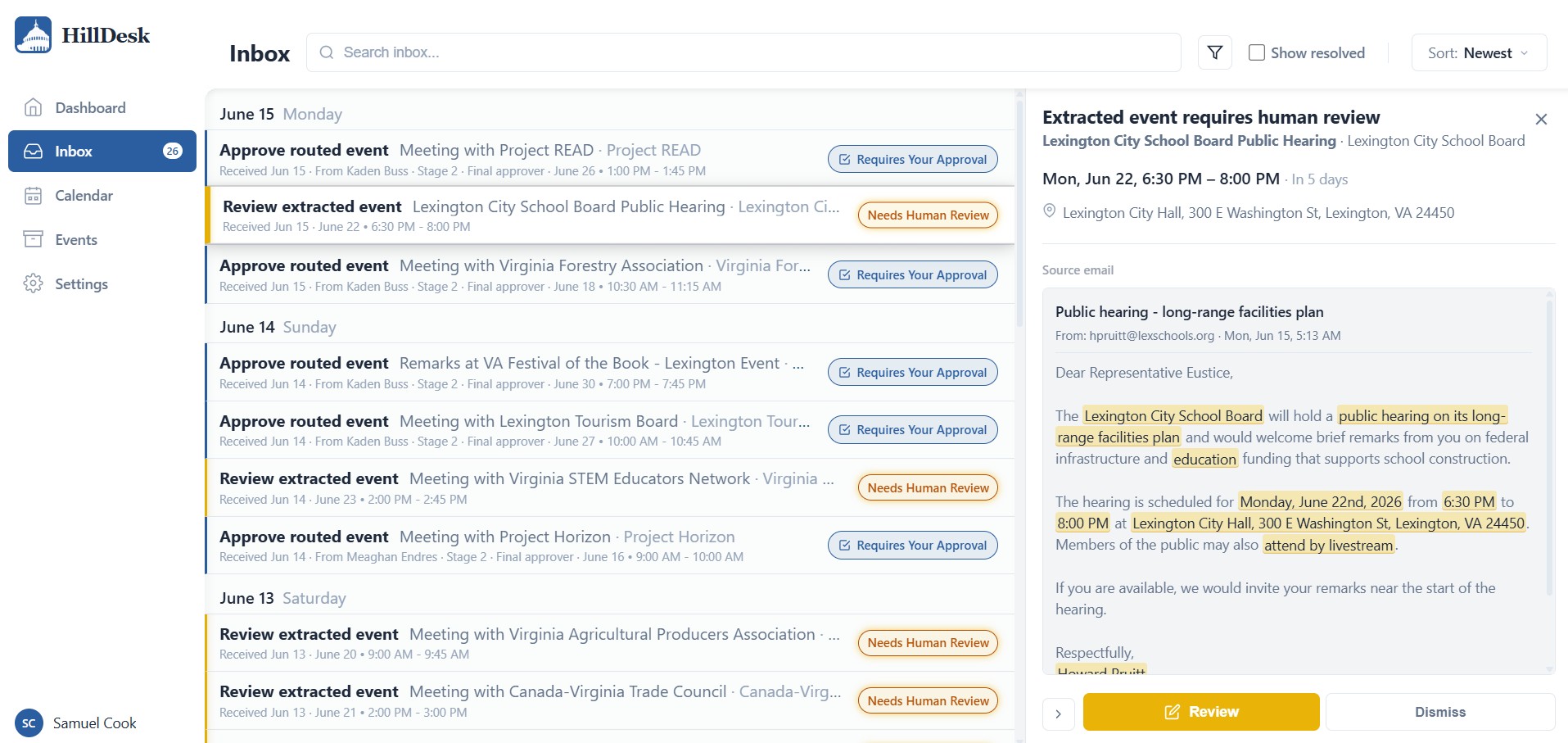
Emails arrive with details extracted

HillDesk monitors your inbox for meeting requests and automatically identifies dates, times, locations, participants, and staffing suggestions.

HillDesk inbox
>
02

Review and edit

Your scheduler verifies the AI-extracted details and makes corrections — all in one streamlined interface. Nothing is saved without human review first.

HillDesk review process
>
03

Respond with your templates

Draft and send a reply directly from HillDesk. AI suggests a response based on the event details — your scheduler reviews and sends.

HillDesk email response
>

Calendar stays current

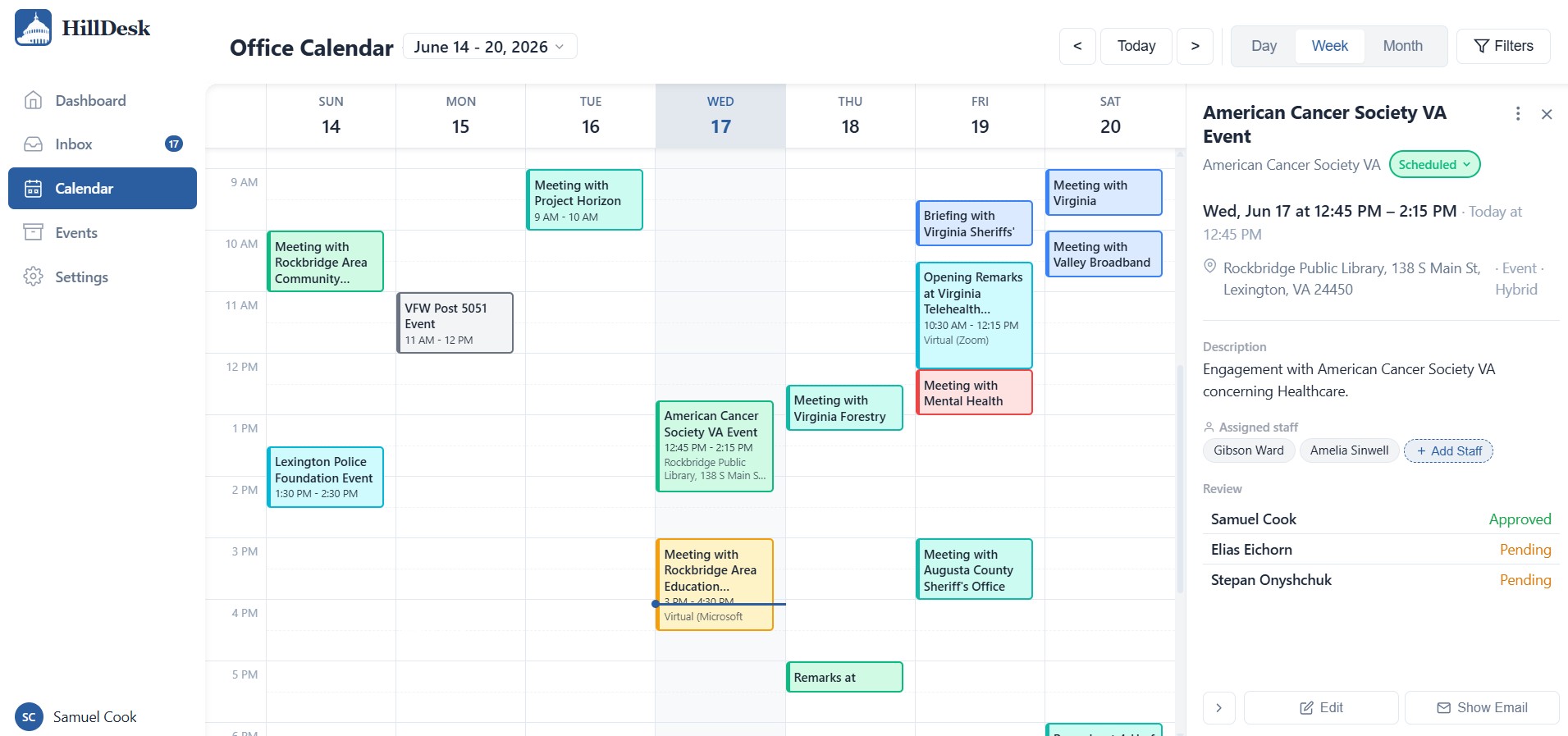
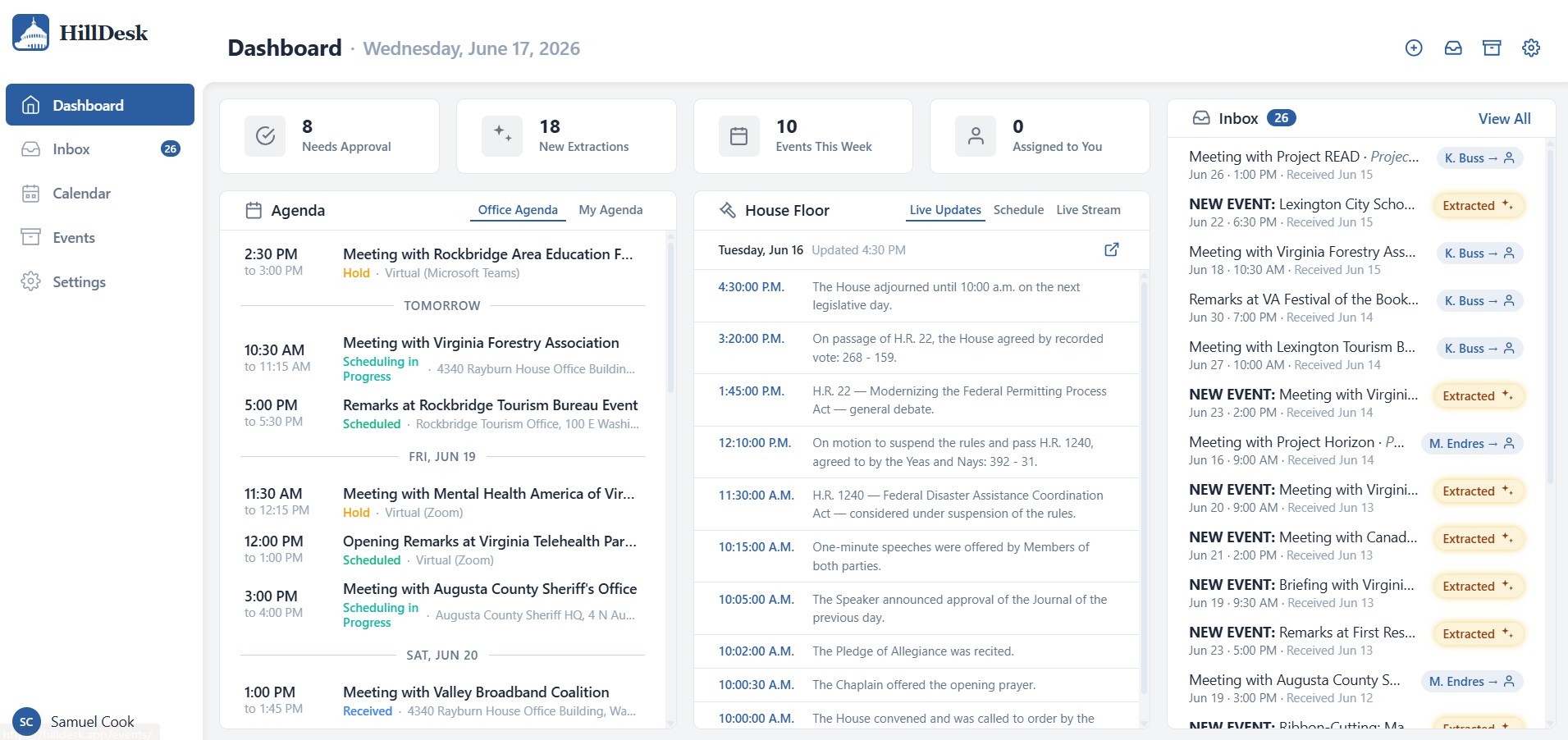
Approved events sync to the office calendar automatically. Conflicts are flagged. The Member's schedule is always up to date.

HillDesk calendar
Features

Built for how congressional offices work

AI email extraction

Meeting requests are identified and parsed automatically. Dates, times, locations, and contacts are pulled from email text — no manual entry.

Reply from one place

Draft and send responses directly from HillDesk. AI-suggested templates match common scheduling scenarios. Emails send from your Outlook.

Conflict detection

Overlapping events are flagged instantly when you schedule. Never double-book the Member again.

Multi-inbox monitoring

Connect scheduler, LA, and front office inboxes. Meeting requests are surfaced to the scheduler regardless of which staffer received them.

Fully customizable

Every office works differently. HillDesk lets you customize event types, statuses, formats, email templates, and workflows to match your office's systems.

Human in the loop

AI assists — it never decides. Every extraction is reviewed by staff before it reaches the calendar. Every email is approved before it sends.

Briefing-ready exports

Generate printable daily schedules, weekly overviews, and formatted scheduling memos. Event details, participants, talking points, and staff assignments — all pulled automatically.

Easy transfer

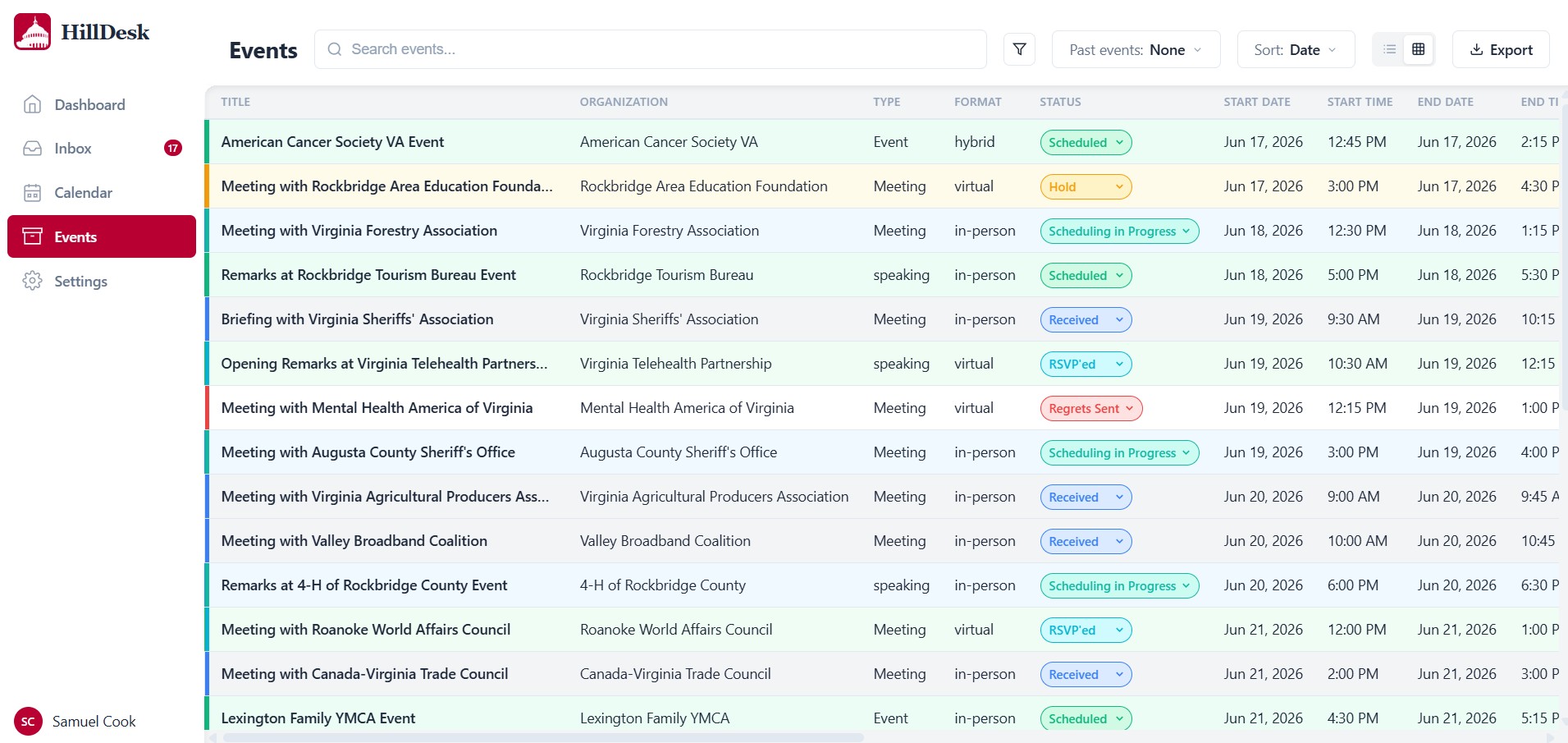
Import events from Outlook, Excel, or CSV. Your calendar history, contacts, and recurring meetings carry over — no manual re-entry required.

Built for House IT infrastructure

Designed for deployment within the House secure cloud environment via HIR vendor approval. No public internet exposure.

No third-party data sharing

All AI processing runs on Amazon Bedrock within the secure enclave. Constituent data never leaves the House network. AES-256 encryption at rest.

AI assists, staff decide

Every AI-generated extraction and draft requires explicit human approval. No automated actions. Complete audit trail for every action taken.

Sam Cook

Built from experience on the Hill

I'm Sam Cook, and I built HillDesk after interning in a congressional office. I watched schedulers spend hours copying meeting details from emails into spreadsheets. The tools Congress uses haven't kept up. HillDesk is my attempt to fix that.

Get Started

Ready to modernize your office scheduling?

We're working with a small number of congressional offices to refine HillDesk before broader release. Request a demo to see it in action.

Request a Demo